If you have any questions, you are always welcome to contact us. We'll get back to you as soon as possible, within 24 hours on weekdays.
Shipping Information
Use this text to answer questions in as much detail as possible for your customers.
Customer Support
Use this text to answer questions in as much detail as possible for your customers.
FAQ’s
Use this text to answer questions in as much detail as possible for your customers.
Contact Us
Use this text to answer questions in as much detail as possible for your customers.
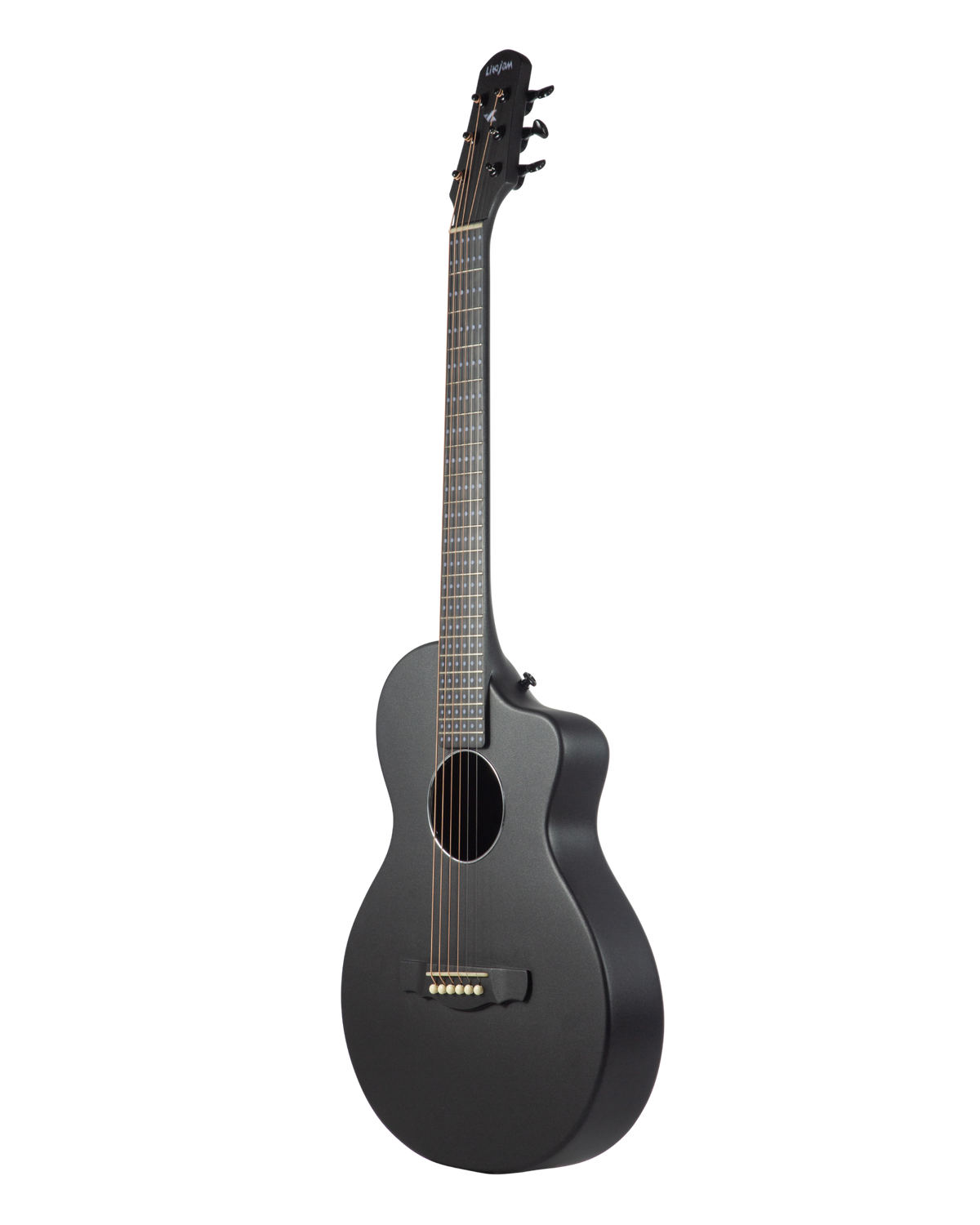
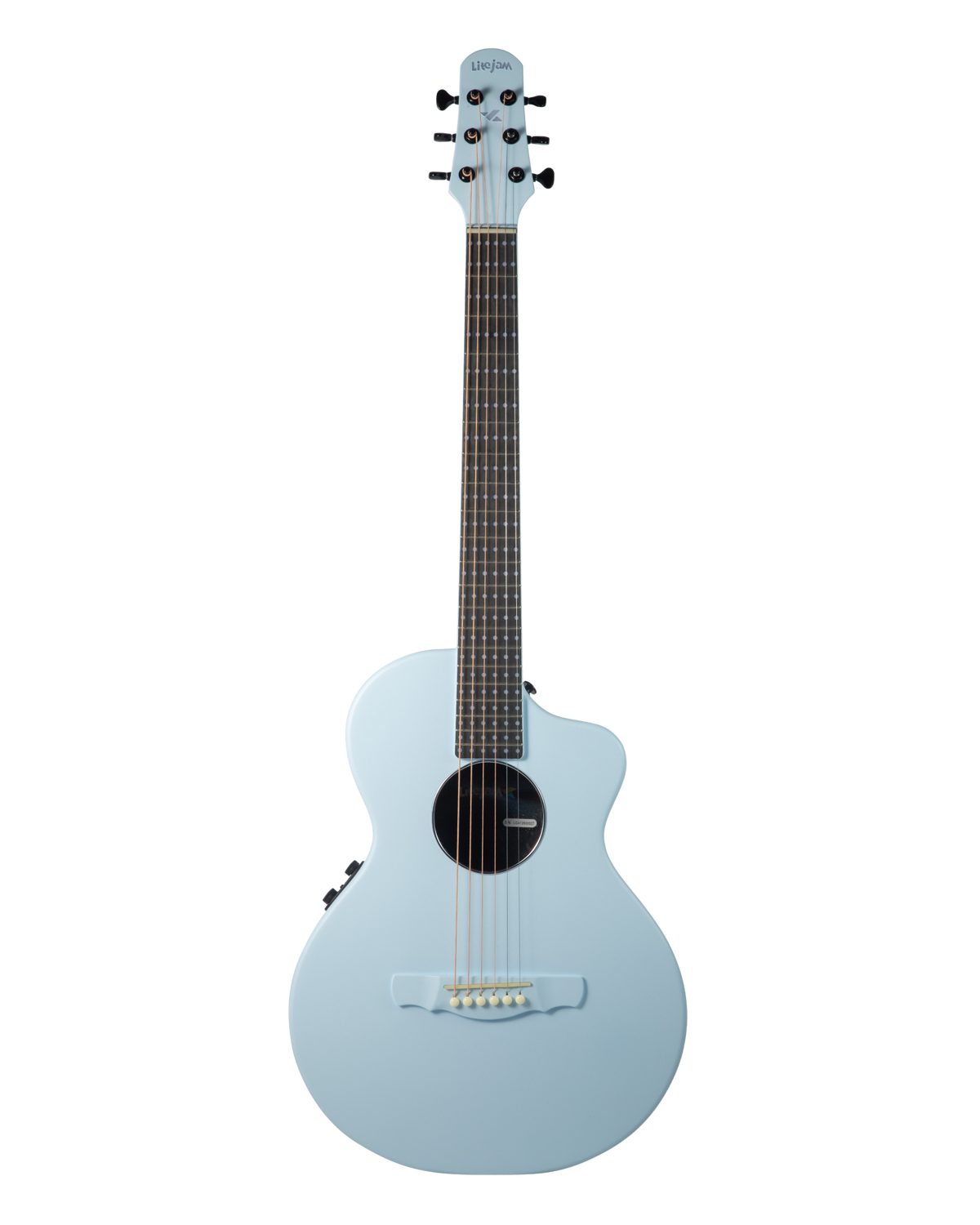
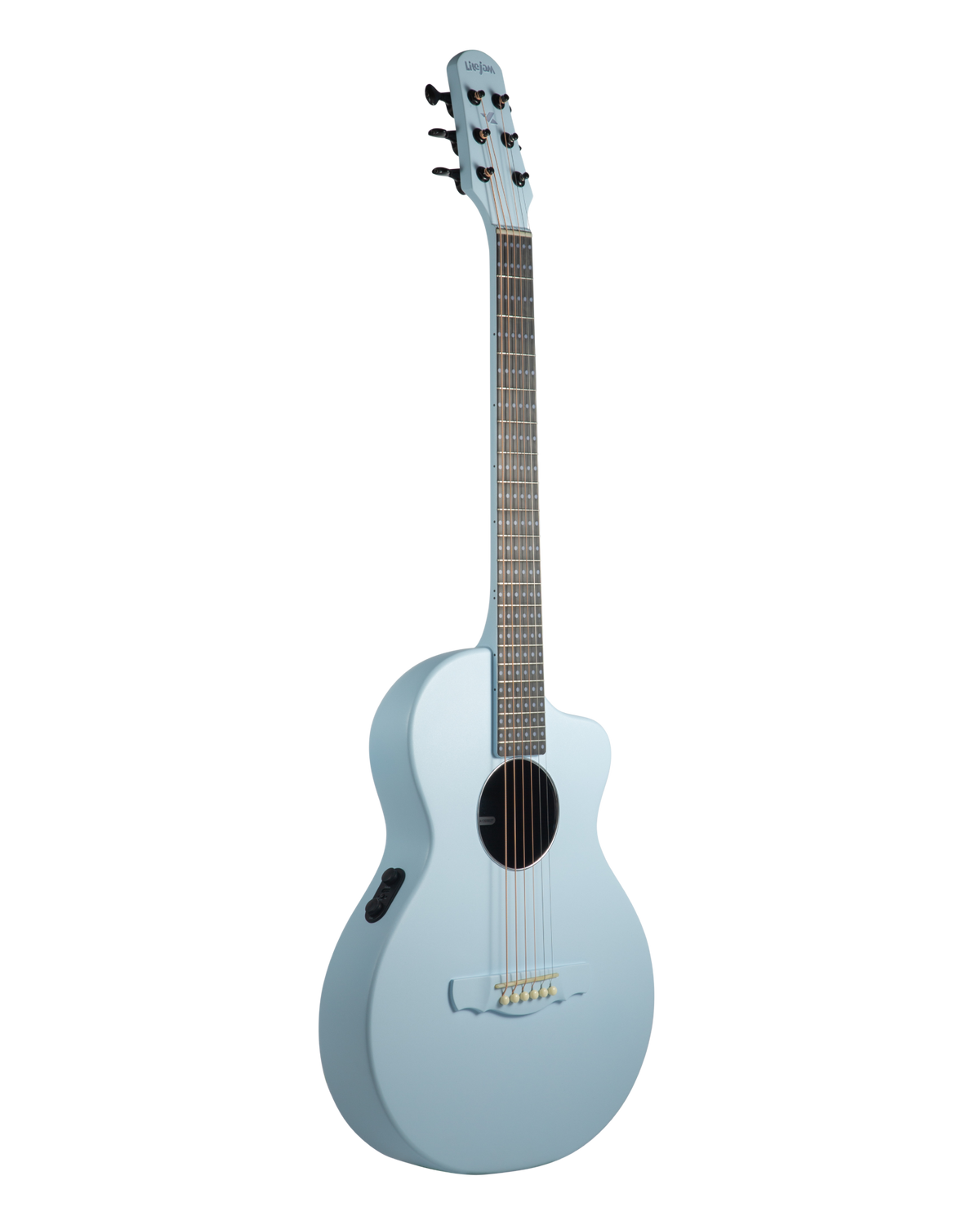
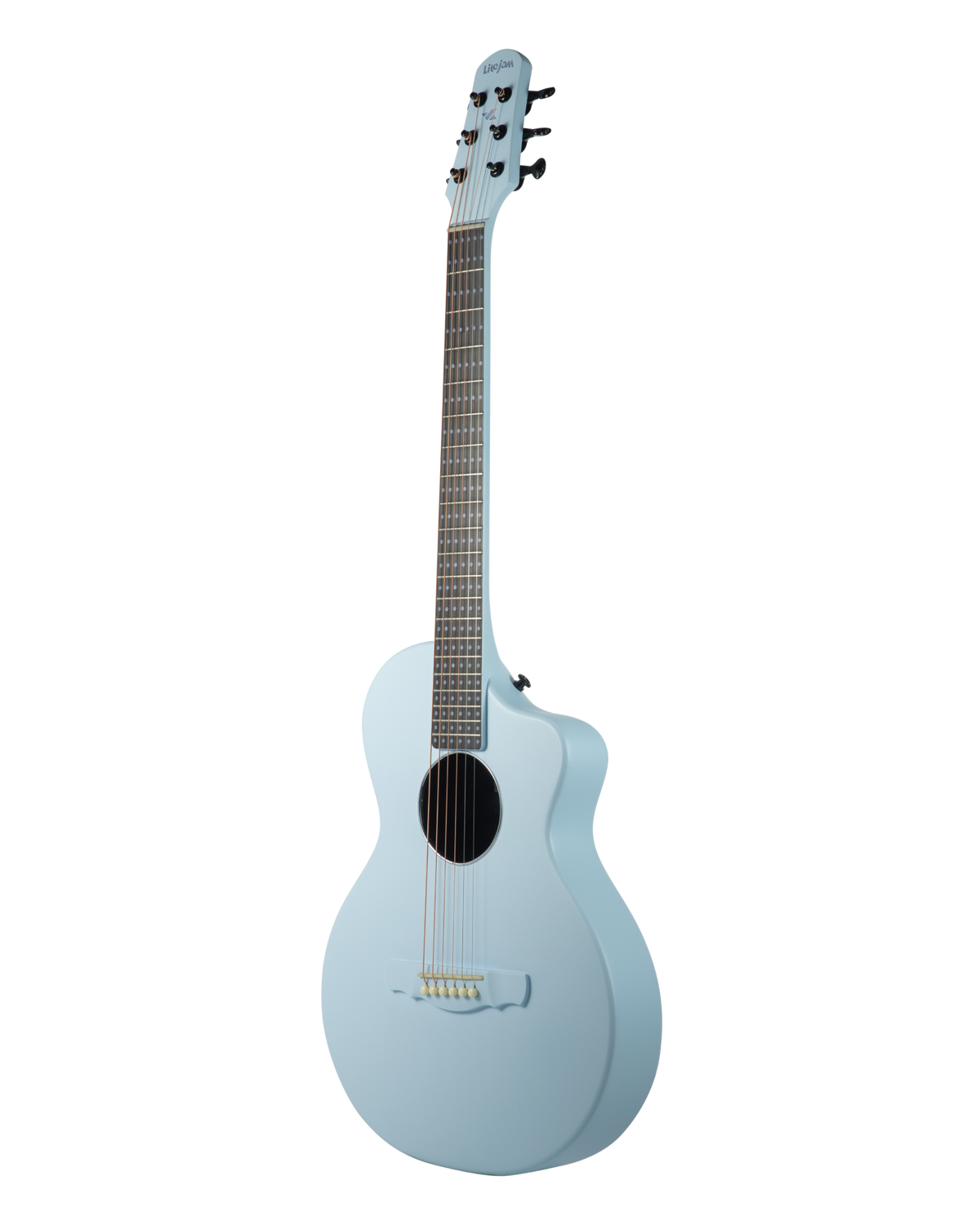
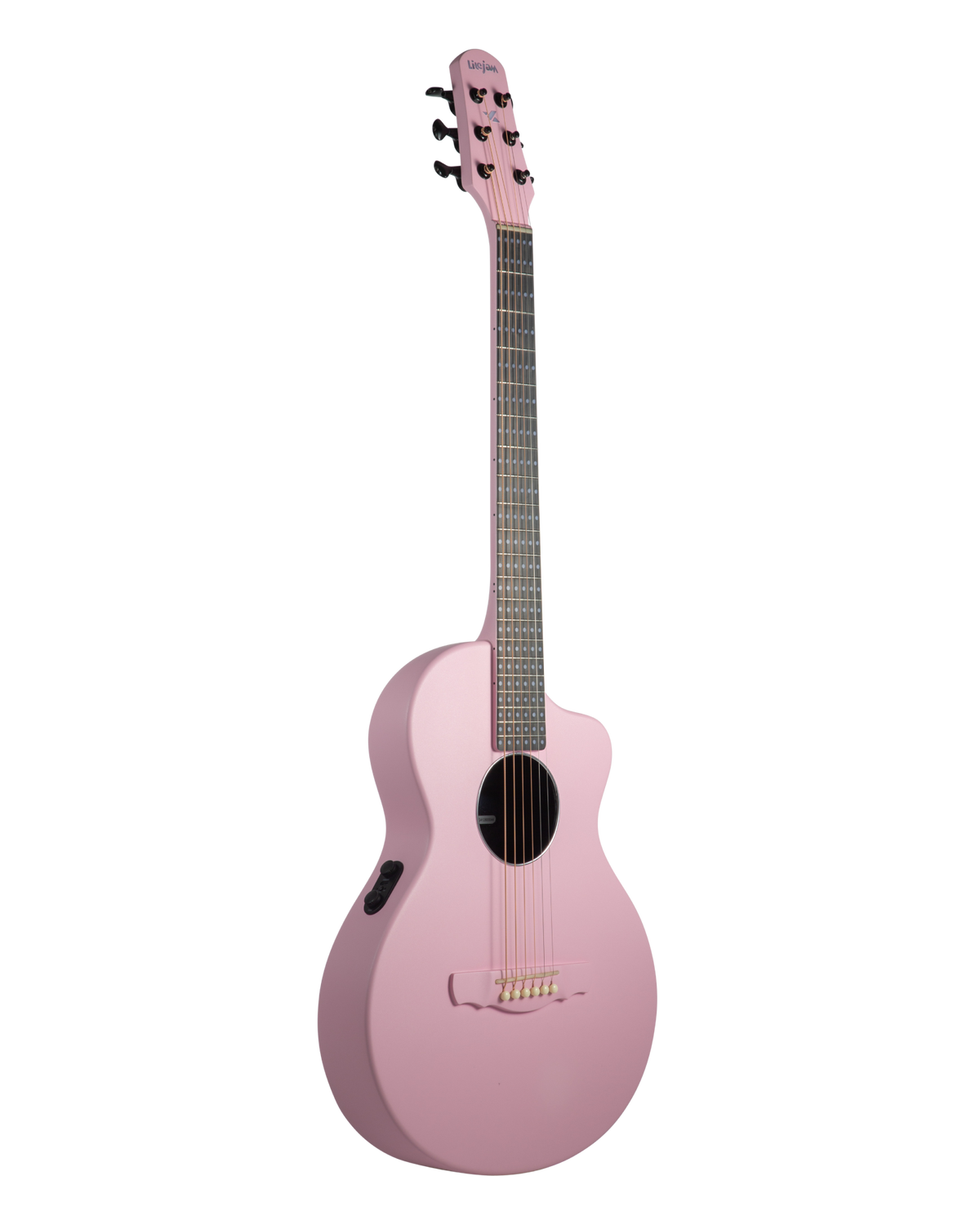
Neo Acoustic A1 · See the music
Your first song, this week.
The acoustic guitar that lights up every note - so you play first and understand as you go.
See the music
Every light is an instruction.
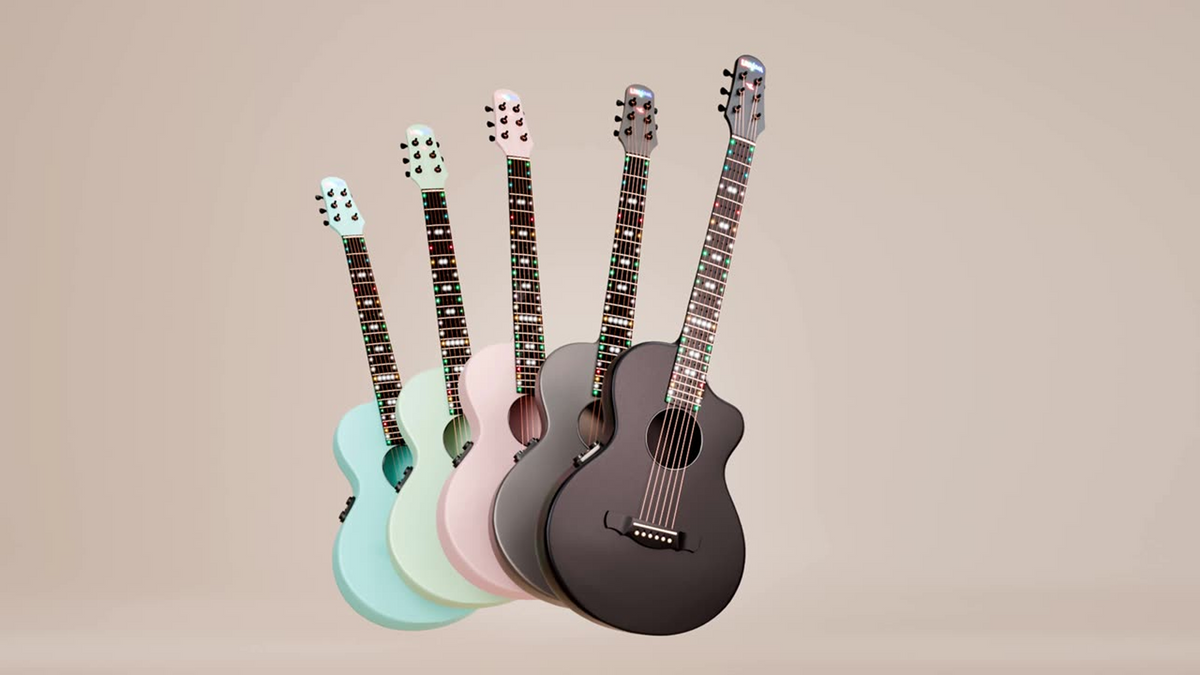
Red is your index finger. Green, middle. Blue, ring. Yellow, pinky. White means play the open string. Unlit means don't. That's the whole system - no diagrams to decode, no tab to read.
Index
Middle
Ring
Pinky
Open string
Don't play
How it works
Connect. Pick a lesson. Follow the lights.
1. Connect
Pair the free Litejam App over Bluetooth. It takes one tap.
2. Pick a lesson
Open Litejam Learn and choose Course 1 - 4 Chords to Your First Song.
3. Follow the lights
Play what lights up. The app listens and moves you on when you're ready.
Litejam Learn · included
A course that runs on the guitar itself.
Basic Course 1: 4 Chords to Your First Song. Basic Course 2: The same 4 chords, fingerpicked. Then 12 fingerstyle classical pieces, each adding one new technique. Loop a section, slow it down, move on when it feels easy. No subscription.
Course 1 · ~2 weeks
4 Chords to Your First Song
Four chords and one strumming pattern. Real music from day one.
Course 2 · ~2 weeks
Your First Fingerpicking Song
The same four chords, fingerpicked - the natural next step, not a restart.
Library · 12 pieces
12 fingerstyle classical pieces
Each piece adds one technique to what you already know. Titles: Timeless Fingerpicking - 12 Classics Collection Songs
Both hands, one mode
Strum it. Then fingerpick it. Same four chords.
Chord Progression lights the next chord before you need it, at a tempo you choose. Switch Play mode from Strumming to Fingerpicking and the app guides your picking hand through PIMA patterns while the neck guides your fretting hand.
Left hand: your fretting hand - every chord and scale mapped across the neck in color.
Right hand: your picking hand - P · I · M · A guidance, static or alternating bass, live on the fretboard.
Play any song
Name a song. Thirty seconds later it's on your fretboard.
Search any song on YouTube. Song Mode analyses it into a chord chart, syncs it to the original video and lights the chords on your neck, in time. Lyrics or grid view, transpose, capo, count-in, slow-down. Already have the tab? GlowTab plays Guitar Pro files as light, with loop and slow-down.
Chord charts are AI-analysed from the recording - results vary with recording quality; YouTube sync depends on the video being available in your region.
PIMA
PAMI
PIMI
Block
Static bass
Alternating bass
When you're ready
Real fingerstyle, taught by light.
Smart Bass Mode shows your thumb where to go - static, then alternating for the full Travis-picking sound. Give every chord its own pattern with Per-Chord Pattern, or build your own in the Pattern Builder. Exclusive to Litejam acoustics, included free.
Fingerpicking Pattern
Smart Bass Mode
Thumb on the bass, then index · middle · ring on strings 3-2-1. The classic arpeggio - light shows the string order.
Same fingers, rolled the other way: P · A · M · I. Play it once and the pattern is in your hands.
Thumb, then index-middle-index on the high strings - the alternating pair behind most folk and pop picking.
All fingers pluck together as one chord block. Lights show every string at once.
Thumb stays on one bass string per chord. Start here — one light, one string.
Thumb walks between two bass strings — the light moves with it. That's the full Travis-picking sound.
Litejam App & platforms · free with A1
Twelve ways to play. One Litejam account.
Most of it runs on the lit fretboard through the free Litejam App. GlowTab and Playground live on the web too — same login, same progress, on any screen.
Start here70% of players live here
Play your songs
Go furtherfingerstyle · theory · stage
Beyond the guitarweb platforms · same Litejam account
Chord
Included
Any chord lights up on the fretboard - 12 roots, 50+ voicings each, up the whole neck.
Included
Included
Chord Progression
Included
Chain chords into a progression and drill the changes in time, at your own tempo.
Included
Included
Learn
Included · no subscription
Interactive courses that run on the lit fretboard - included, not a subscription.
Included · no subscription
Included · no subscription
Tuner
Included
Built-in tuner, so every session starts in tune without a second device.
Included
Included
Song Mode
Included · works with GlowTab
Search any song on YouTube and the app analyses it into a chord chart - lyrics or grid, synced to the original video, the chords lit on your neck. Transpose, simplify, capo and count-in live in the header. Then switch to Play with Track and the fretboard shows you what to play over the changes: the chord tones, the scale, or both.
Type a title or an artist. Songs come straight from YouTube - Oasis, Bodyslam, a cover you like - and the app analyses the recording into a chord chart, tagged Analyzed once it is ready. Recently viewed and favourites stay one tap away.
The chart the way players read it: chord symbols above the lyric line, sections marked (Intro, Verse 1, Chorus 1, Instrumental), the current line highlighted as the song runs. Tuning, key, BPM and capo sit in the header; Transpose, Simplify, Capo and Count-in are one tap each.
The same song as a bar grid - one chord per cell, the playhead sweeping the row. For players who count bars, not lines.
The original recording plays in a synced YouTube window while the chart scrolls and the neck lights. The chord-diagram strip along the bottom shows the shape now and the shape next. Loop a section and slow the track down without changing pitch.
Play the chord chart as audio on its own — the voicings sounded in time — when you want to hear the changes without the record.
Backing-track audio without the video for a cleaner rehearsal: chart, neck, count-in, tempo - nothing else on screen. [own clip: record]
Switch to Play with track and the fretboard shows the tones of whatever chord is playing - root, 3rd, 5th, 7th in their own colours - section by section on the timeline. Solo over the changes and hit the note that belongs to the chord. LEDs toggle on the guitar with one switch.
The scale of the song's key across the whole neck while the track runs - the safe map for a first pass, the full vocabulary once you know the changes.
Both at once: scale tones in one colour, the current chord's tones in another, the root in red. Root · 3rd · 5th · 7th · scale - the legend is on screen. This is the view a soloist actually plays over.
Chord charts are AI-analysed from the recording - results vary with recording quality; YouTube sync depends on the video being available in your region.
Included · works with GlowTab
Included · works with GlowTab
Fingerpicking System
A1 exclusive · free
PIMA, PAMI, PIMI and block patterns with right-hand finger guidance. A1 exclusive, free.
A1 exclusive · free
A1 exclusive · free
Smart Bass Mode
A1 exclusive · free
Static and alternating bass visualized on the neck. A1 exclusive, free.
A1 exclusive · free
A1 exclusive · free
Per-Chord Pattern
A1 exclusive · free
Give each chord in a progression its own picking pattern - PIMA on the verse chord, alternating bass on the chorus - and build, preview and save your own patterns in the Pattern Builder. The fretboard guides both hands through the change. A1 exclusive, free.
A1 exclusive · free
A1 exclusive · free
Scale
Included
Scales and modes mapped across the whole neck, in any key, with roots marked.
Included
Included
Perform
Included
LED themes and effects that react while you play - for stage, streams, and video.
Included
Included
GlowTab
Litejam platform · one account
Guitar Pro tabs rendered as light: the song scrolls across your fretboard in time.
Litejam platform · one account
Litejam platform · one account
Playground
Litejam platform · one account
Free-play sandbox with backing tracks. No lesson, no scoring - just jam.
Litejam platform · one account
Litejam platform · one account
The guitar itself
A real guitar, made lighter, tougher and easier.
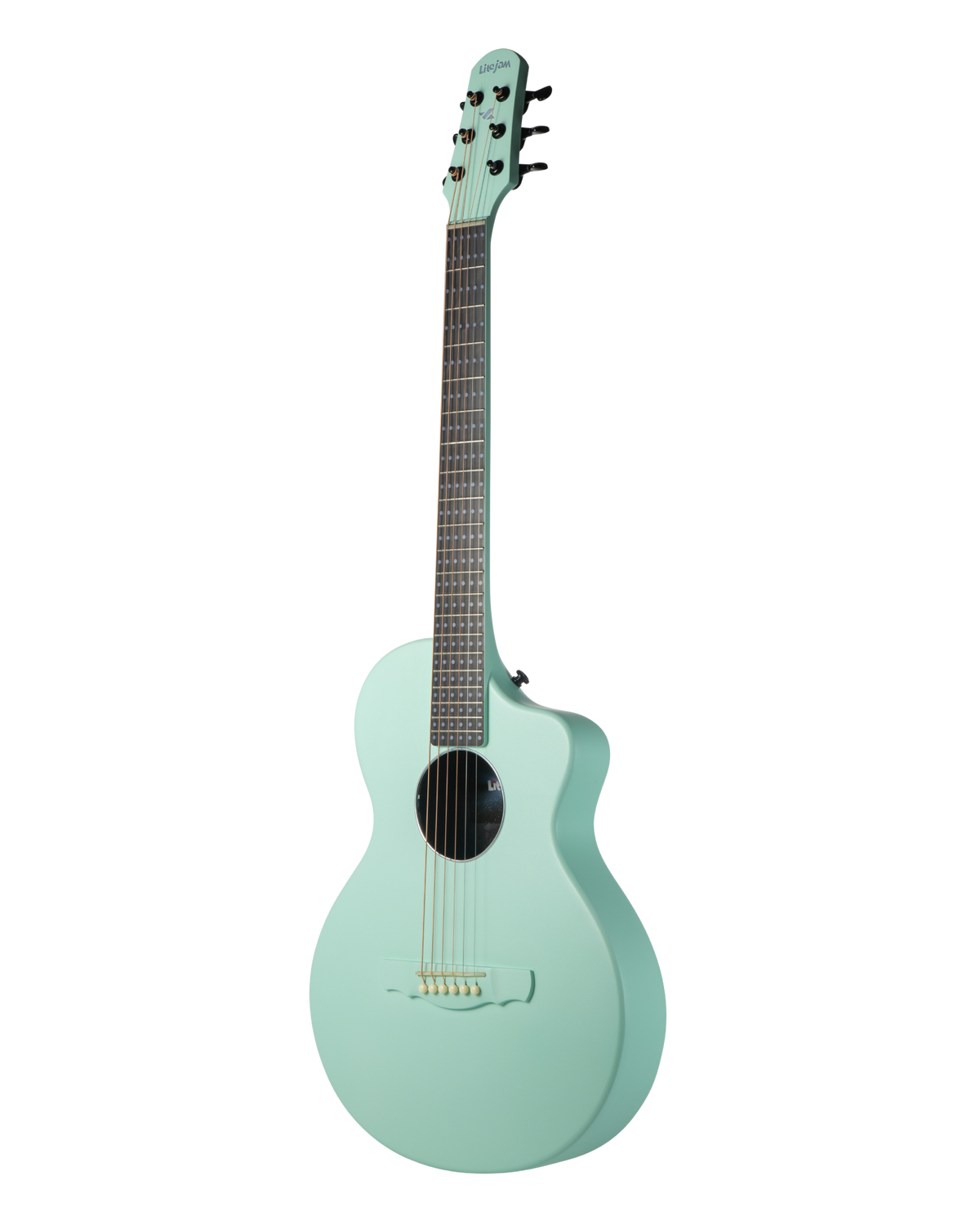
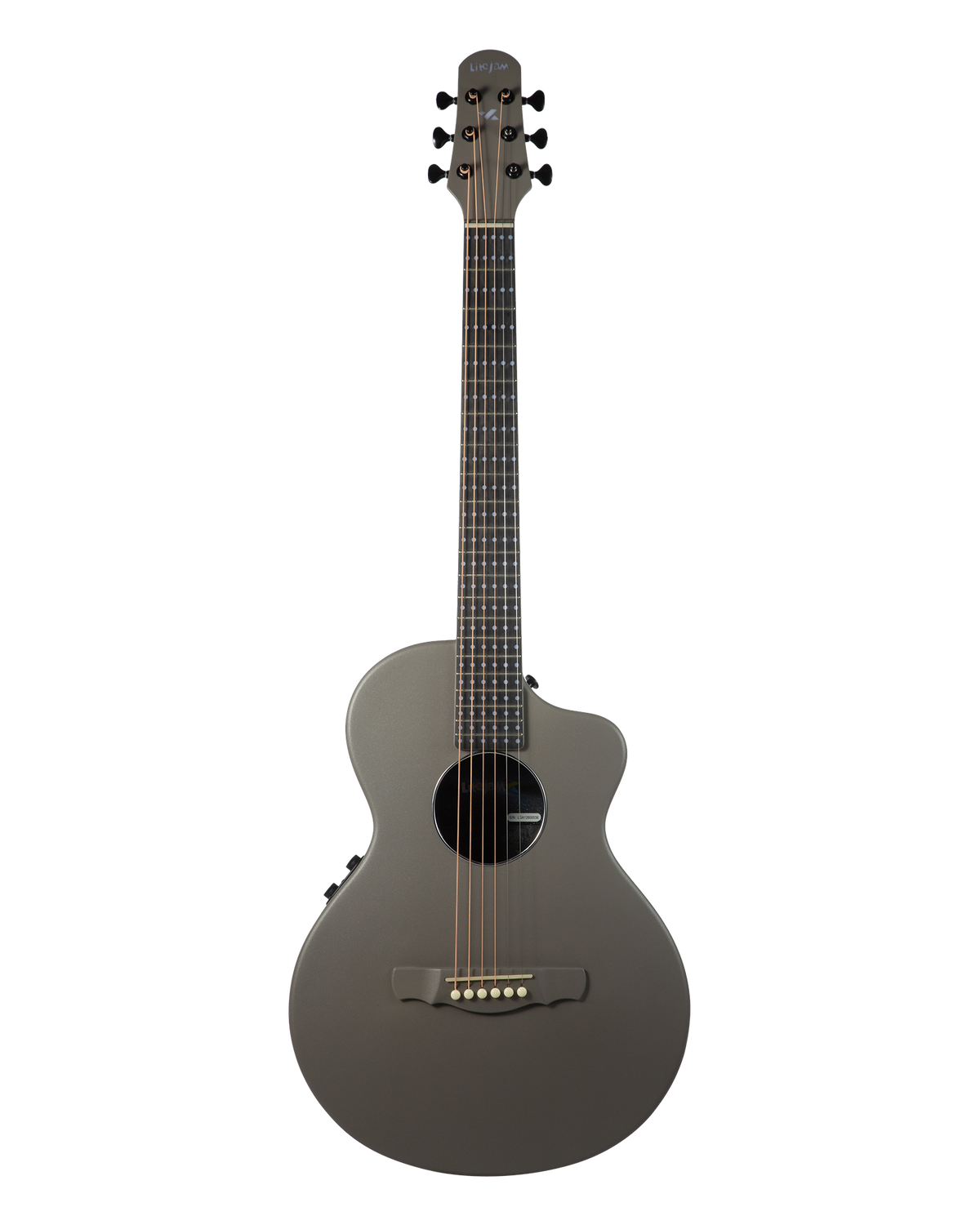
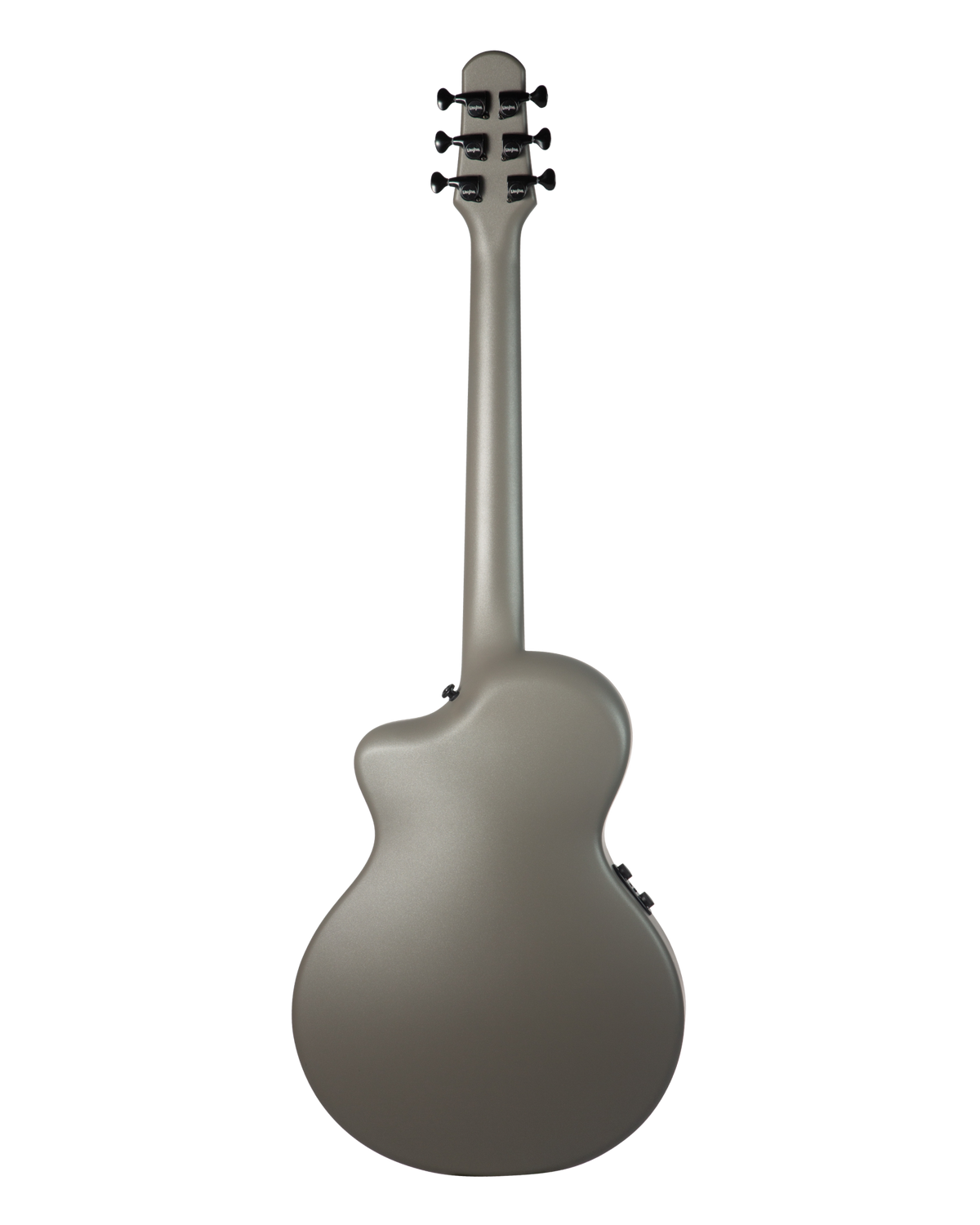
Carbon fiber, short scale, a simple piezo pickup - every hardware choice is there to make a first guitar easy to pick up and hard to outgrow.
One-piece carbon fiber, built to be left out.
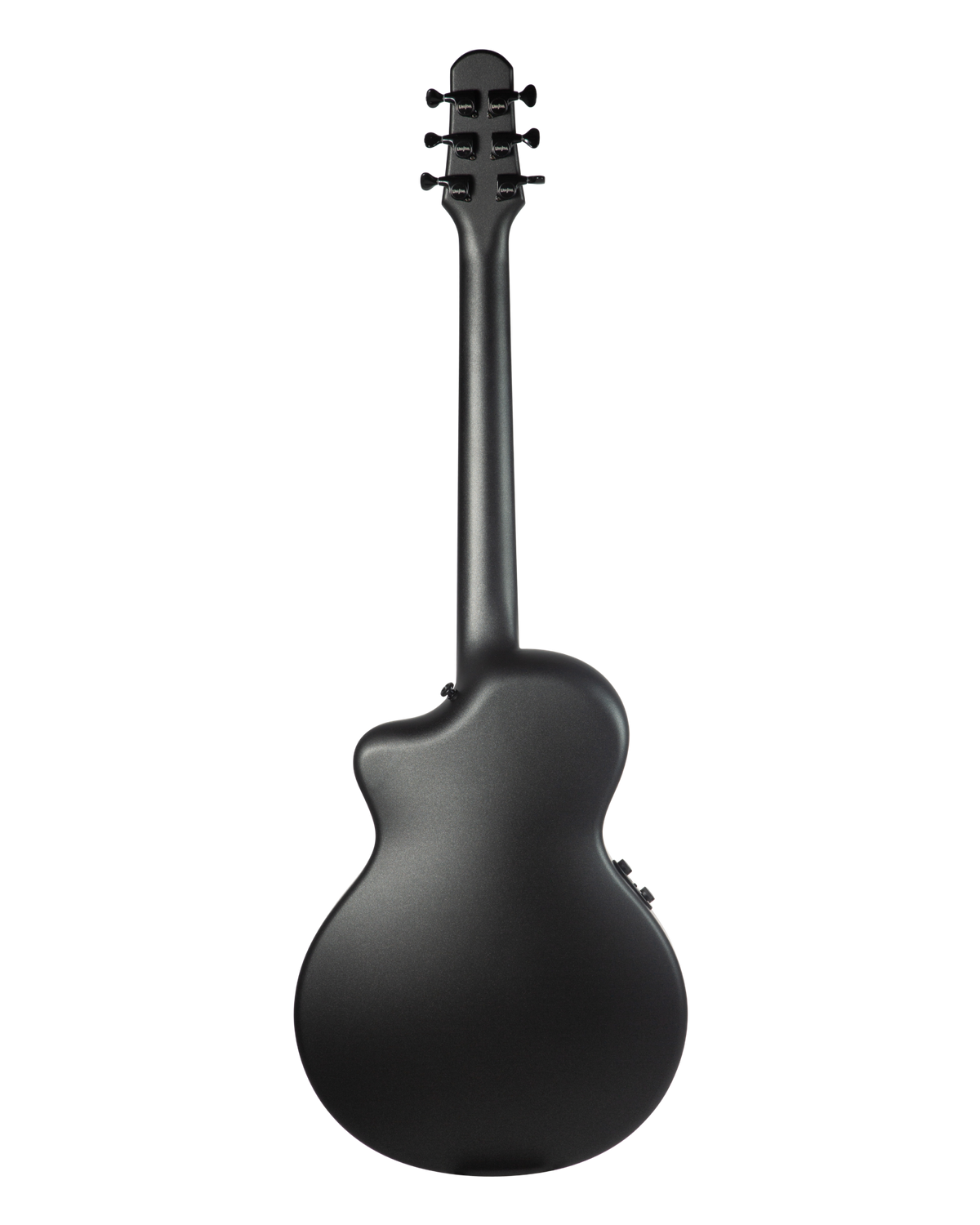
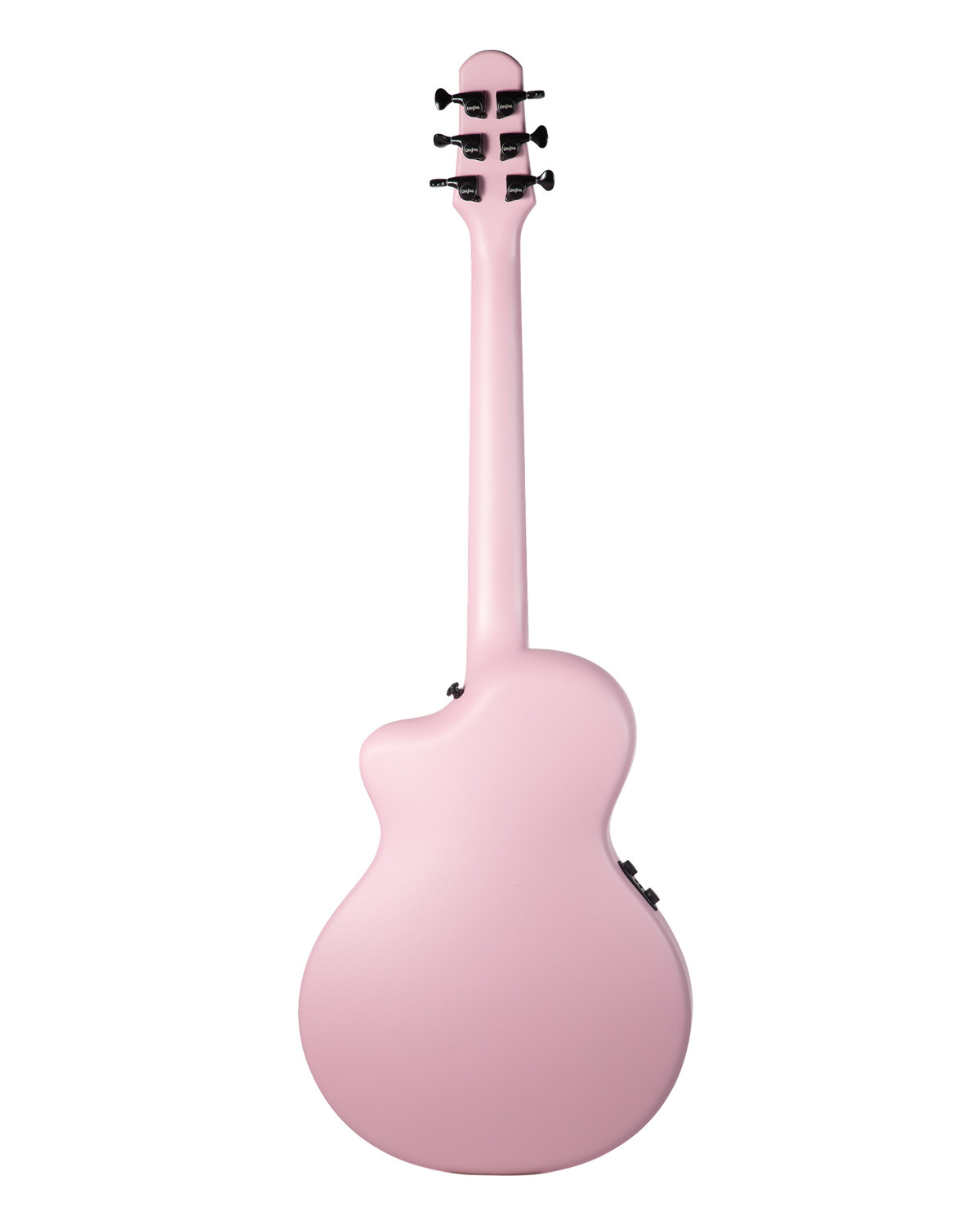
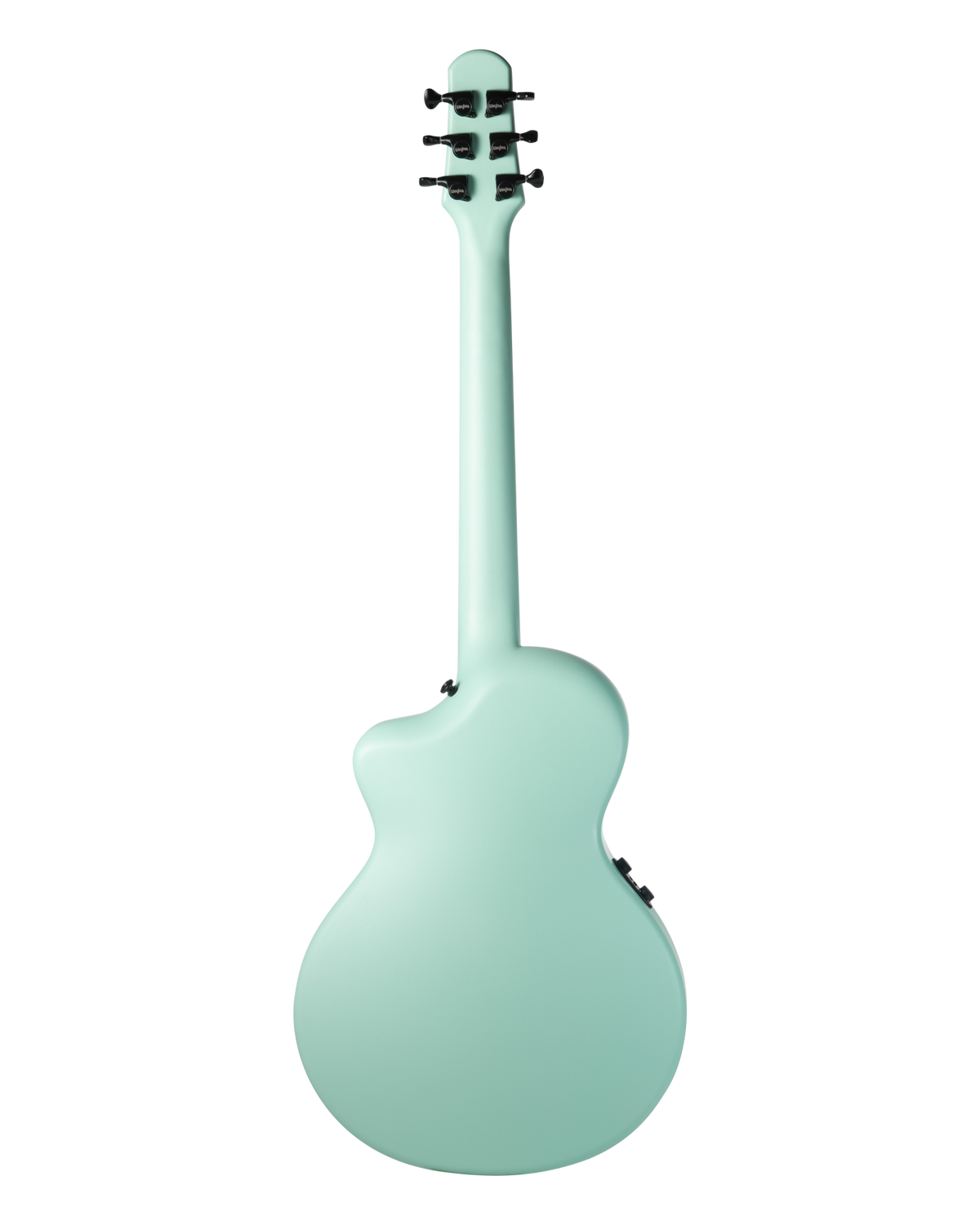
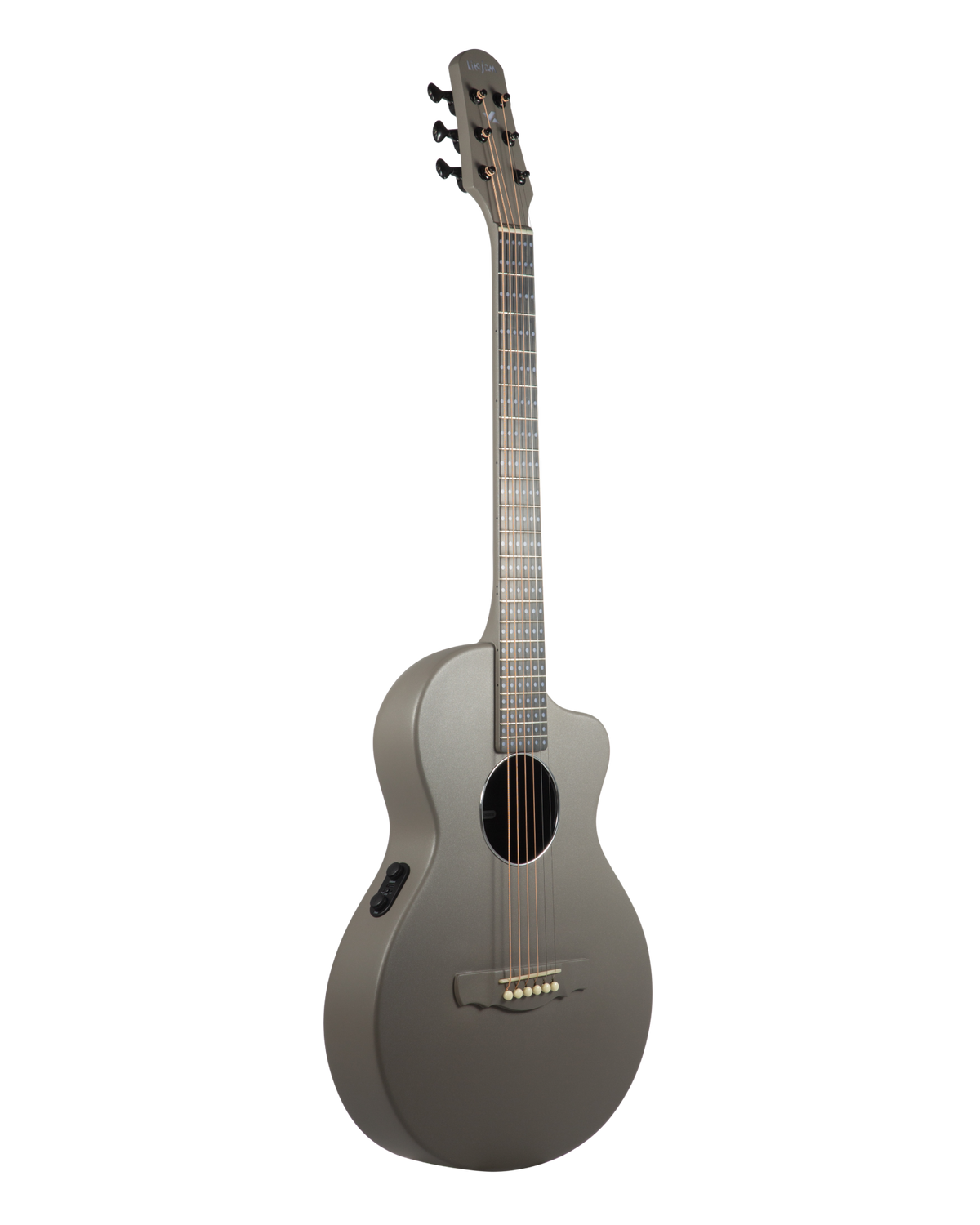
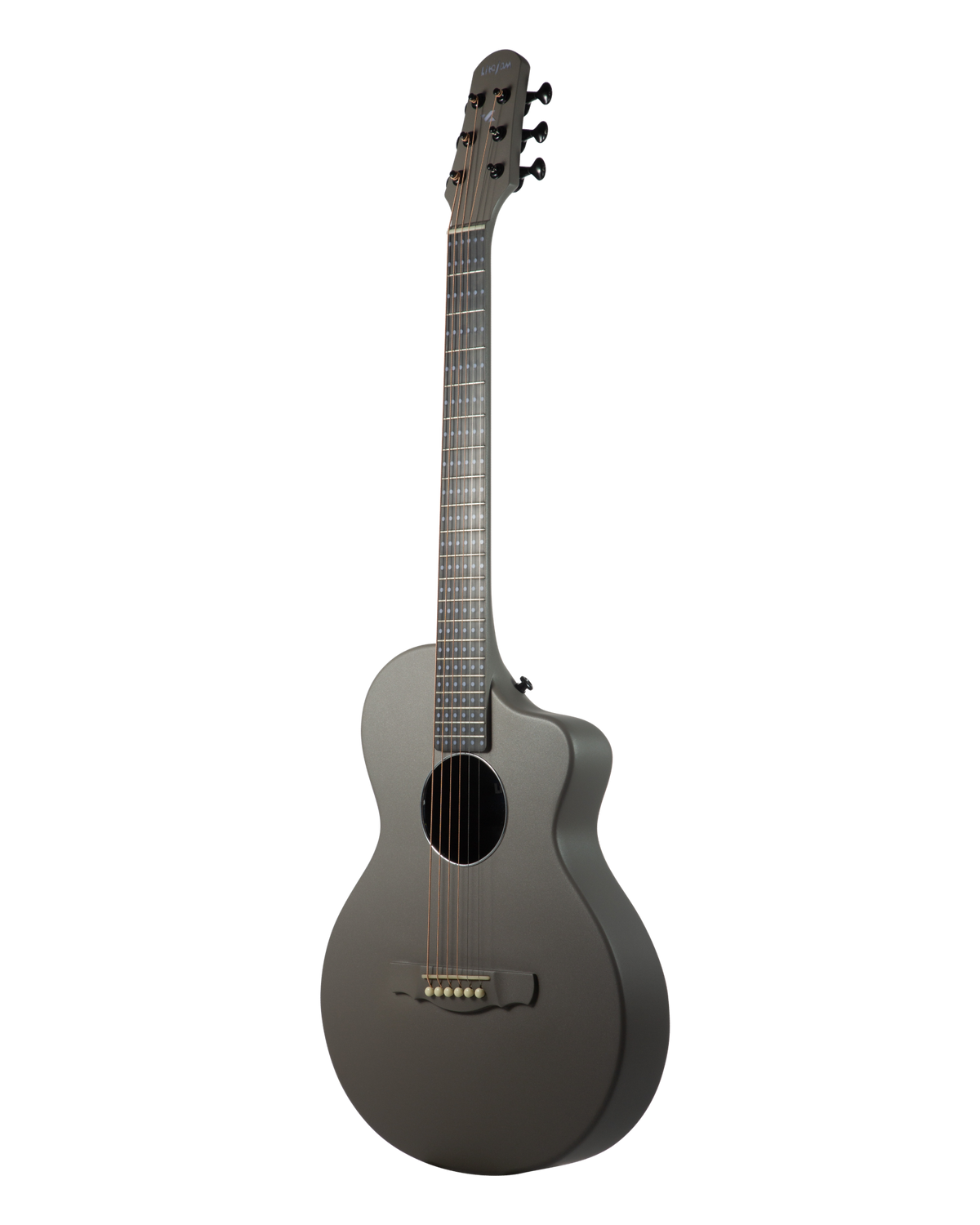
Top, back, neck and fingerboard are molded as a single carbon-fiber piece with the JC Bucket internal resonance design - strong projection from a compact body, and none of the cracking, swelling or detuning that heat and humidity do to a wooden top. Matte, fingerprint-resistant finish.
One-piece molded
JC Bucket resonance
Matte finish
Humidity & heat resistant
Portable size
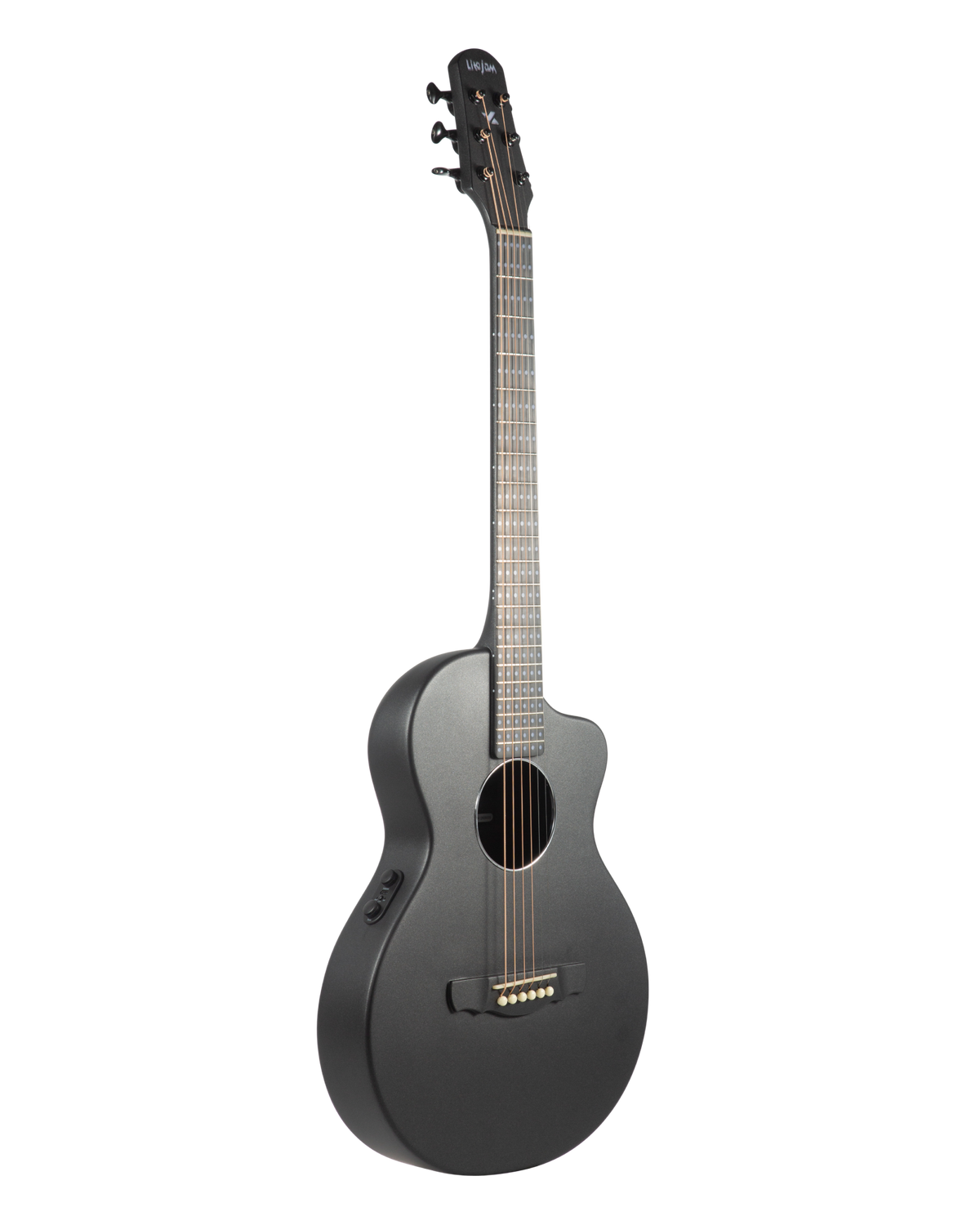
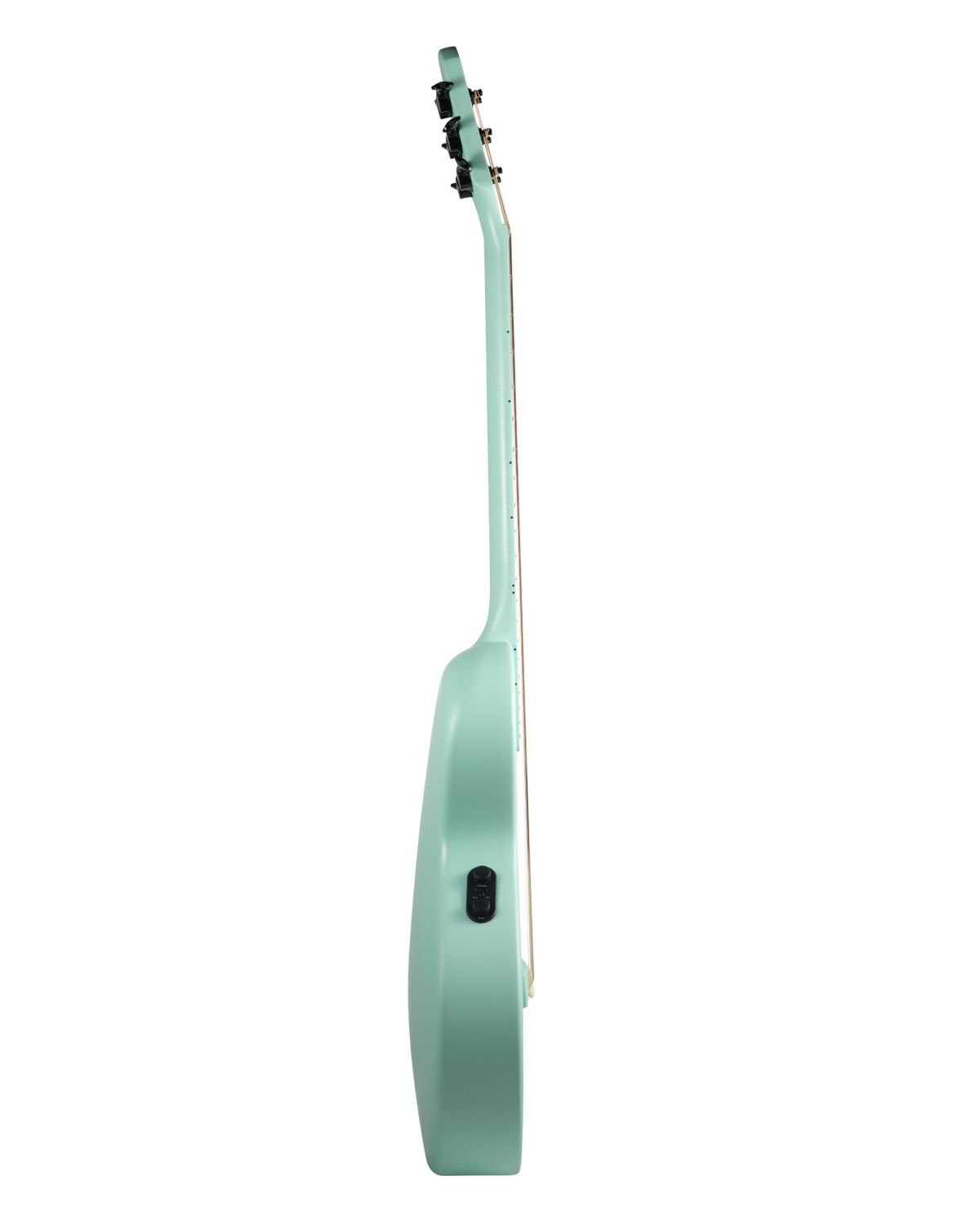
A 618 mm scale and a 328 mm body put every chord within reach for smaller hands and beginners, and the whole guitar weighs about 1.8 kg - less than a laptop bag. Total length 937 mm; it fits the included gig bag, an overhead bin, and the back seat.
618 mm scale
937 mm long
328 mm body
~1.8 kg
Plug in when you're ready. Nothing to learn first.
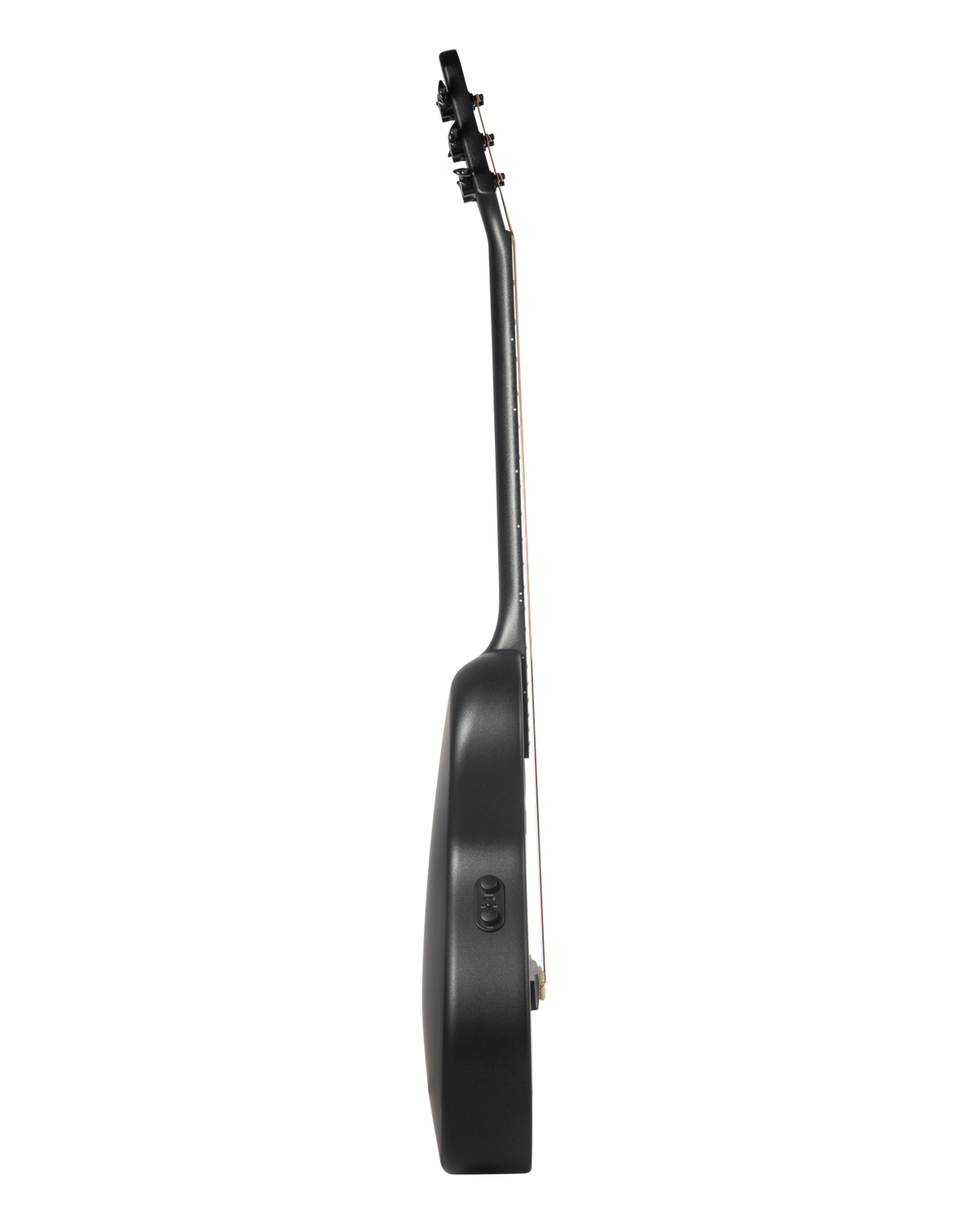
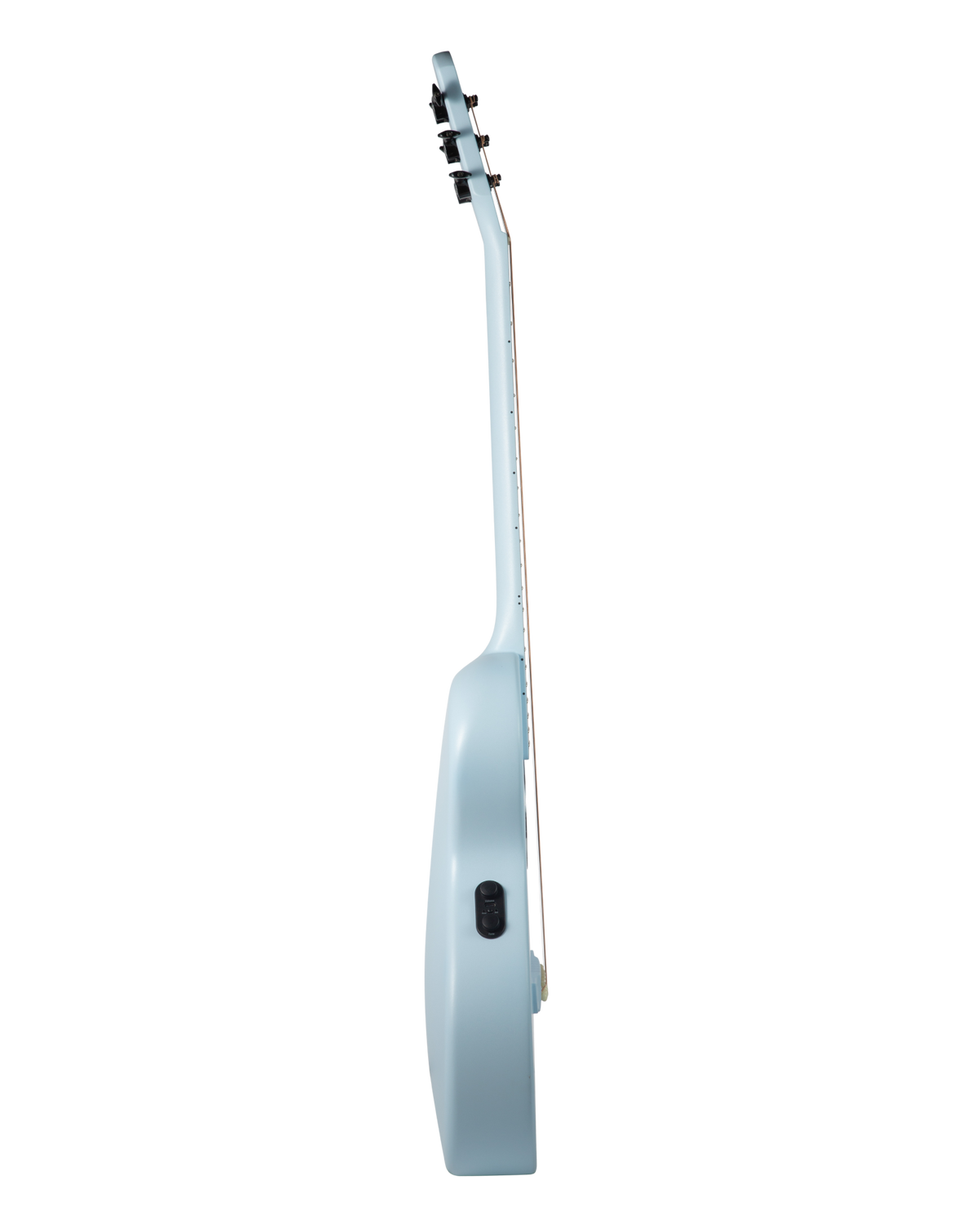
A built-in piezo pickup with preamp and just two controls — Volume and Tone — so there is nothing to configure. The endpin jack goes straight into any amp, PA or audio interface. No onboard reverb, delay or chorus: your pedals and your room do that.
Piezo + preamp
Volume · Tone
Endpin jack
Amp · PA · interface
It's an acoustic first. The lights are the bonus.
Unplugged it projects like a full-size acoustic thanks to the resonance design and carbon top; plugged in it holds up on stage. Turn the LEDs off and it is simply a very good travel guitar.
Full acoustic projection
Stage-ready
Works with LEDs off
Every light has a job.
132 RGB LEDs across the smart fretboard, the changeable Litejam headstock logo and the mode icons. Fret lights show fingers and notes; the logo and icons show mode and status, so you rarely need to look at your phone.
132 RGB LEDs total
Smart fretboard
Changeable logo
Status icons
A full day of lit practice.
The 4000 mAh battery runs the LEDs for 6–8 hours per charge and recharges over USB-C with the included cable. Bluetooth standby means it pairs the moment you open the app (device name: LITEJAM A1).
4000 mAh
6–8 h per charge
USB-C
Bluetooth standby
Set up to play easily from day one.
21 rounded medium-jumbo nickel-silver frets, a 43 mm bone nut, low factory action (0.4–0.6 mm at the 1st fret, 2.0–2.5 mm at the 12th) and closed-gear 1:21 tuners that hold tune. Coated phosphor-bronze .010–.050 strings out of the box.
Short scale, light body, and lessons that run on the fretboard — so an 8-year-old can play their first song without a teacher in the room, on a guitar they won't outgrow.
A real guitar, not a gadget
Loud unplugged. Ready for the stage.
Piezo pickup and preamp with Volume and Tone - plug into any amp, PA or interface. 4000 mAh battery, 6–8 hours per charge, USB-C. It grows with you.
Piezo + preamp
Volume and Tone. Straight into amp, PA or interface.
AI chord detection incl. chord reading from YouTube video
App RGB customization
Connectivity
Bluetooth (device name: LITEJAM A1); endpin output jack for amp / PA / audio interface
Battery / Power
4000 mAh rechargeable
6–8 hours per charge
USB-C charging
Dimensions
Overall length 937 mm
Body width 328 mm
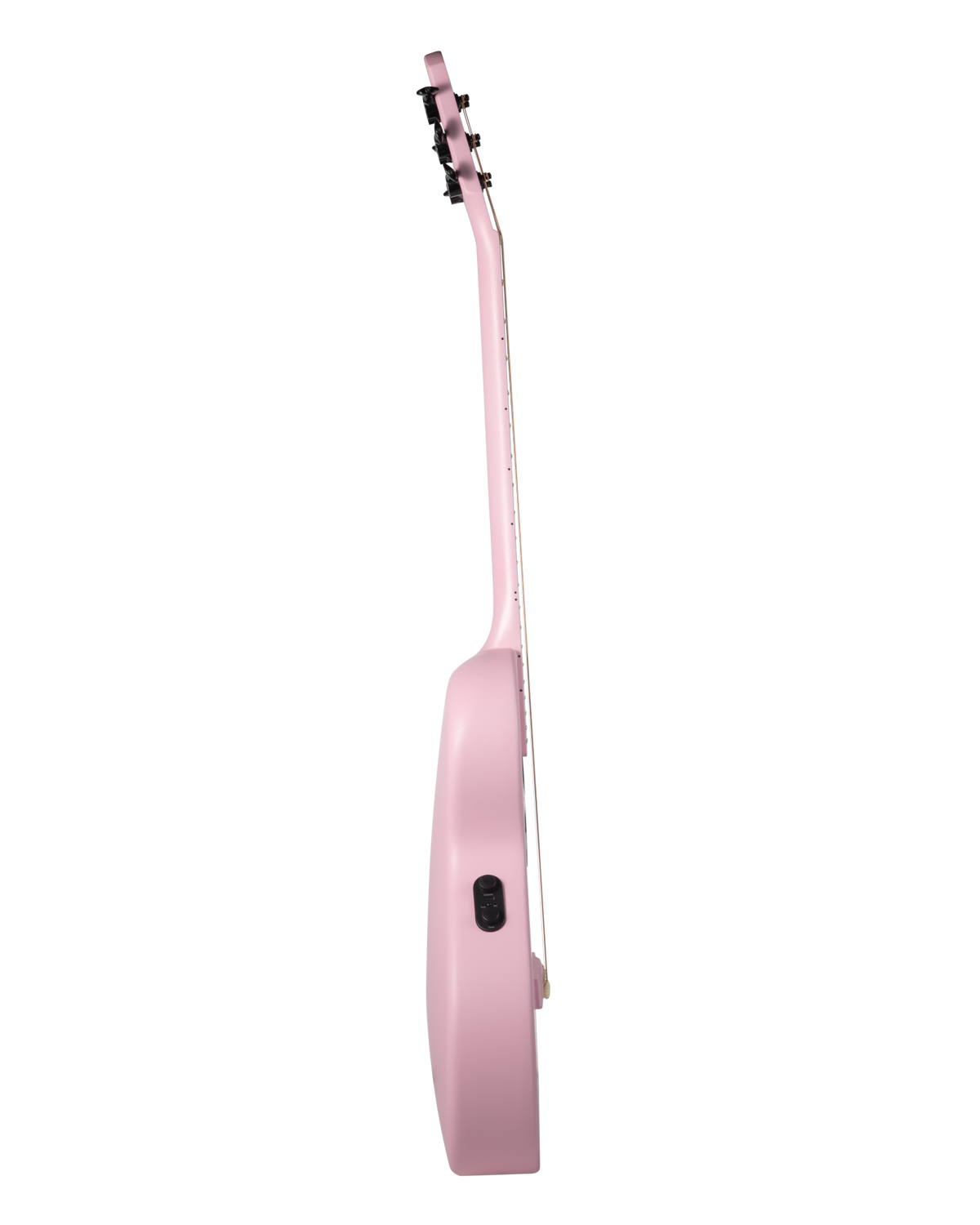
Body thickness 60–70 mm
Nut width 43 mm
Weight
Approx. 1.8 kg
Colors
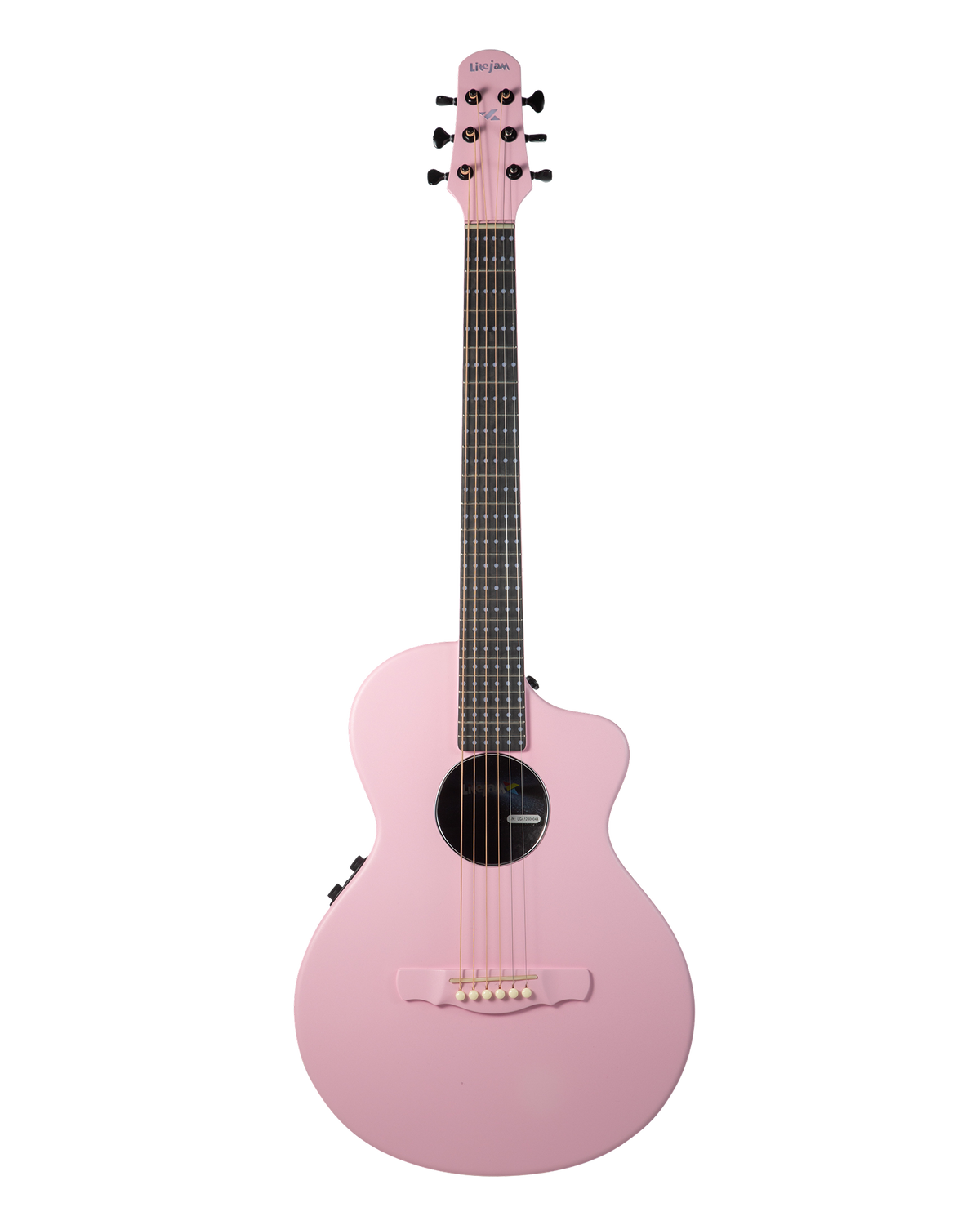
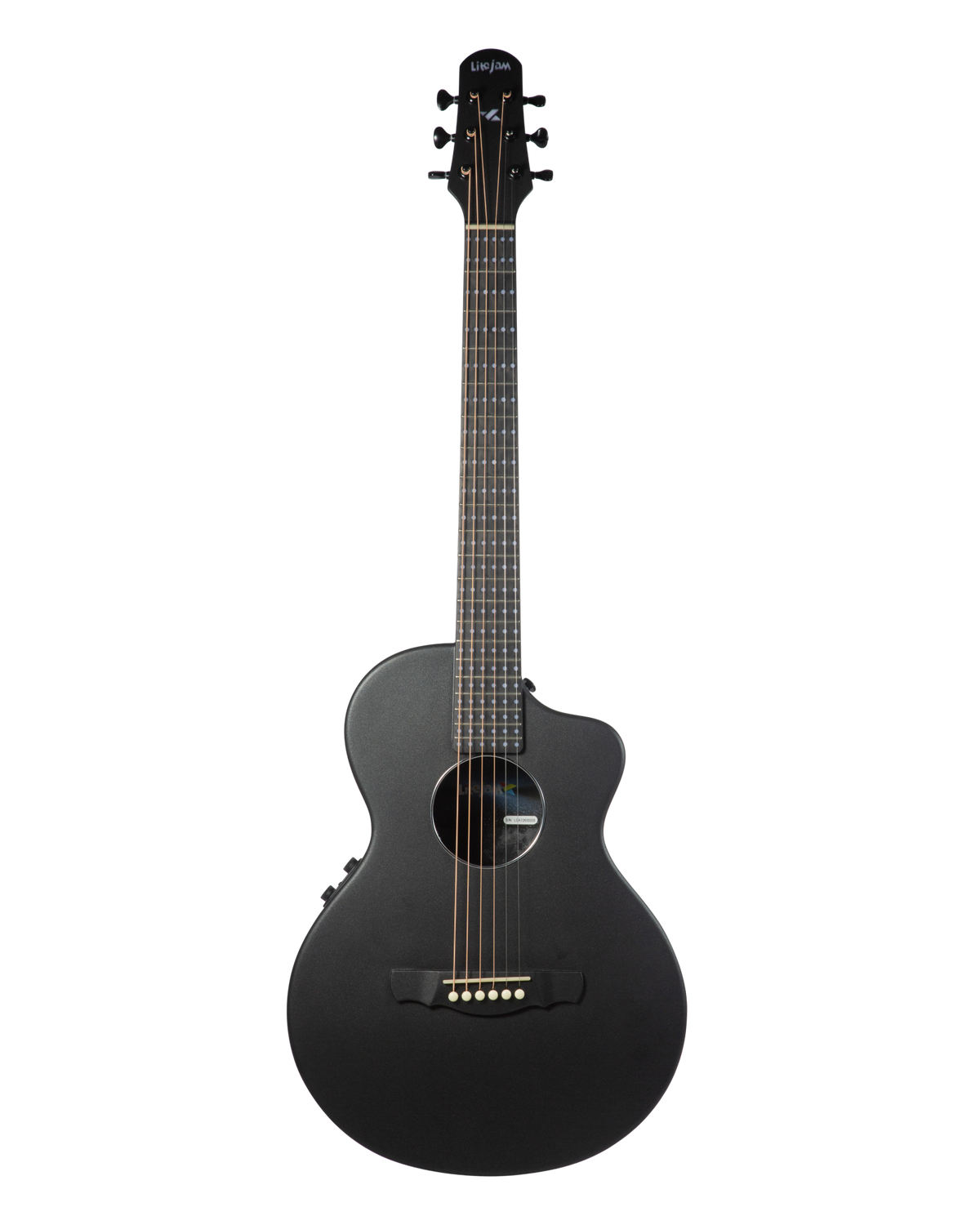
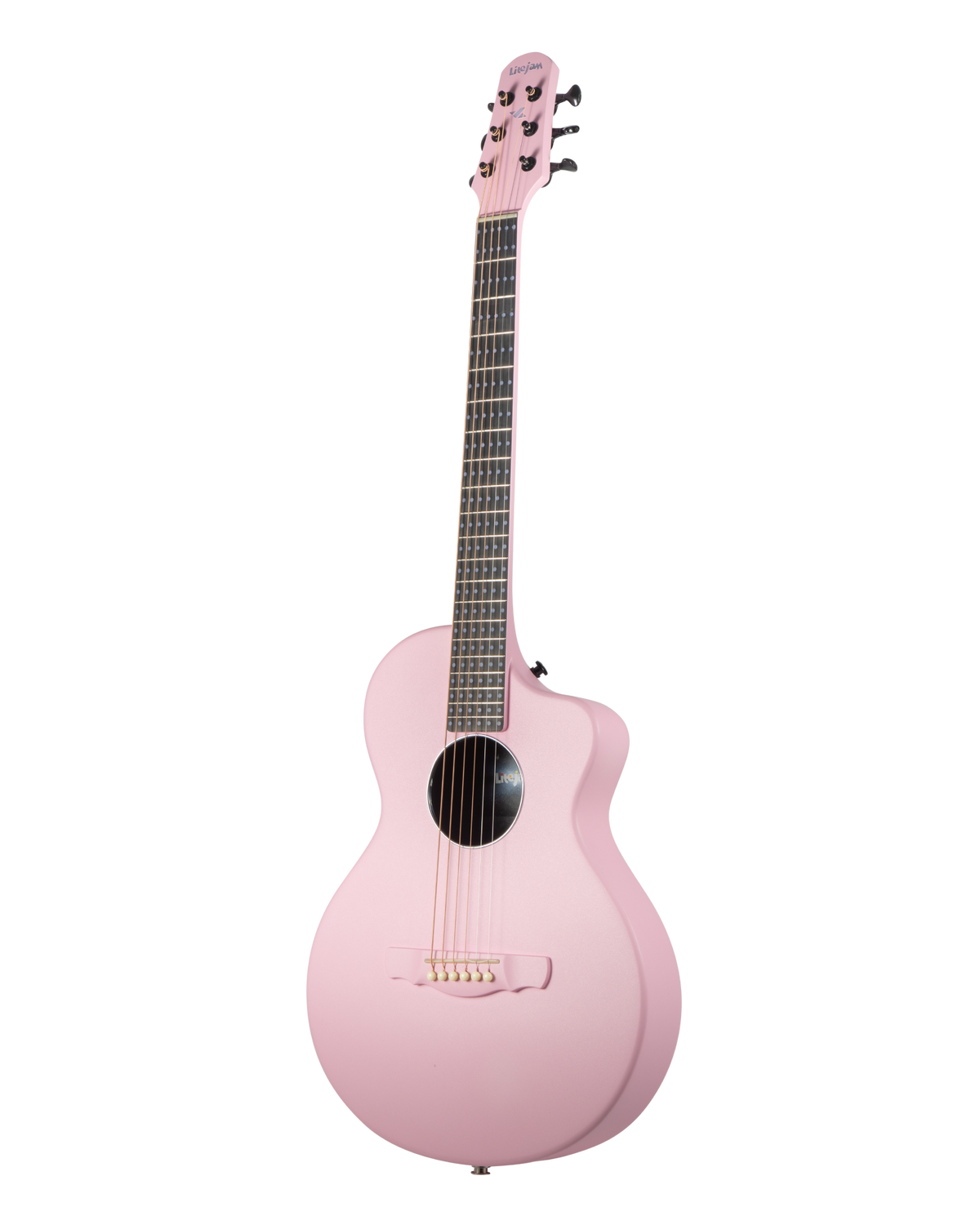
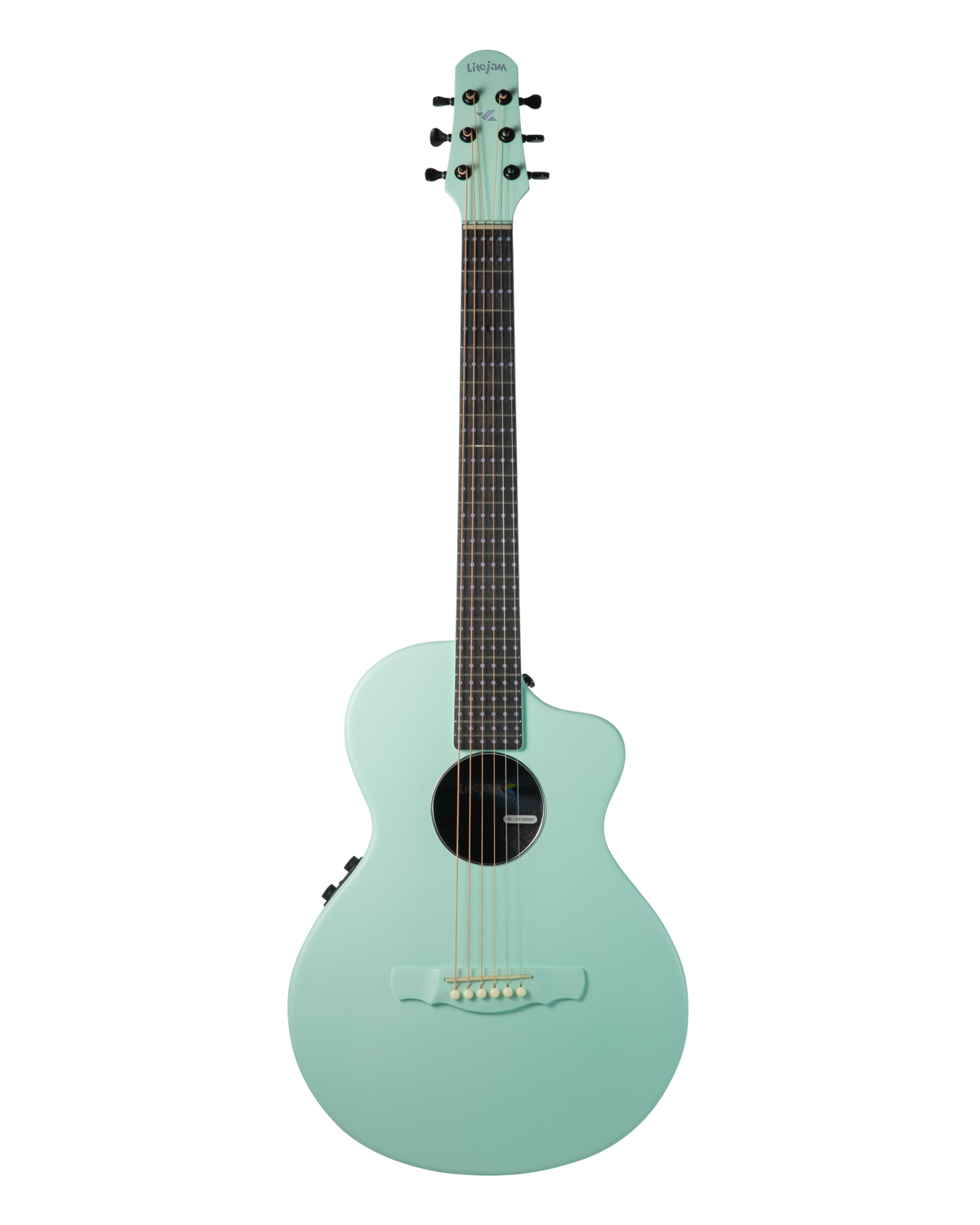
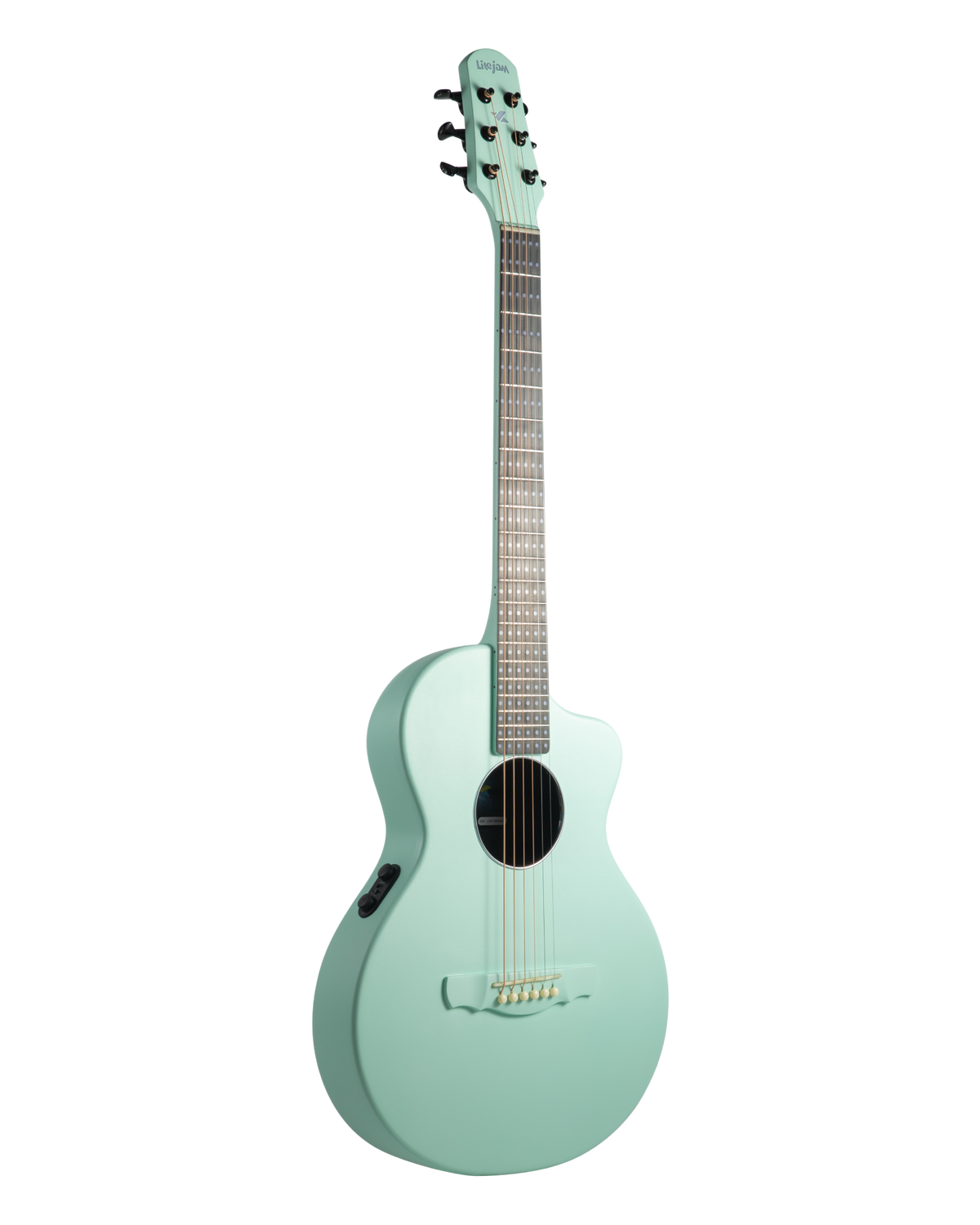
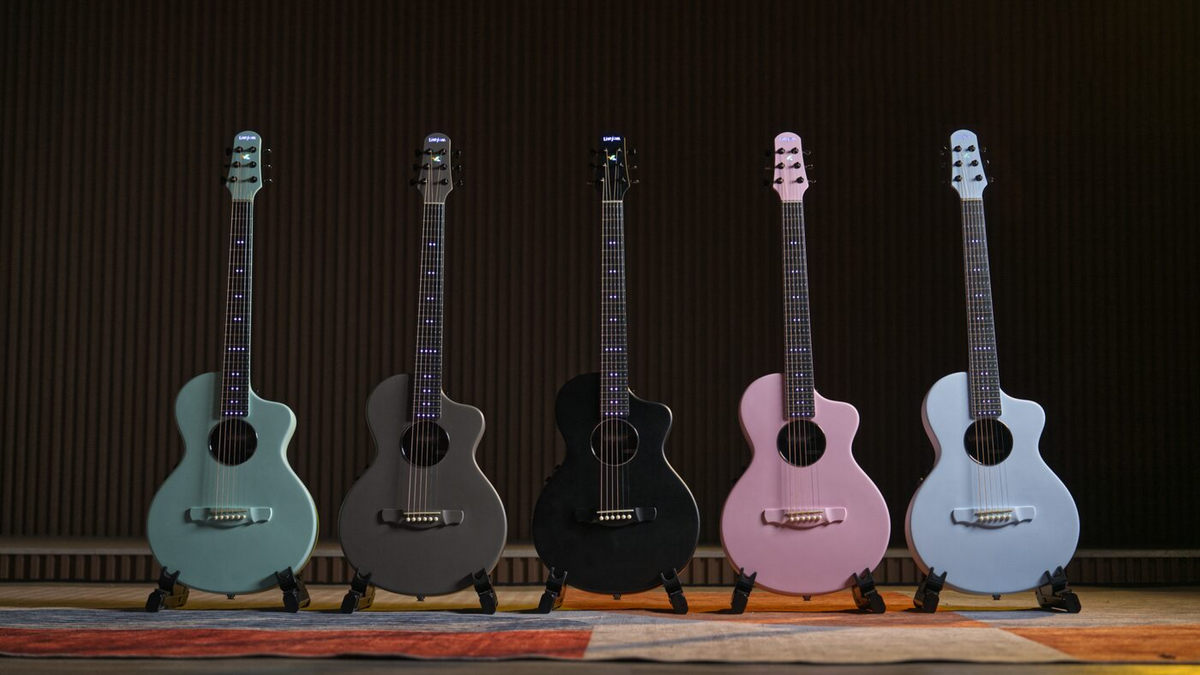
Black (BK), Waterfall (BL), Powder Pink (PK), Lime Mist (LM), and Taupe Gray (GY)
Handedness
Right-handed
Warranty
1-year limited warranty (RGB fretboard and body)
Country of Origin
China
Litejam community
Made for first songs.
Frequently Asked Questions
Do I need any experience to learn fingerpicking on the A1?
No. The fretboard lights guide both hands - the color tells you which finger to use and the sequence shows which string to pick next. Start with a built-in PIMA pattern at a slow tempo and build up from there. The included Litejam Learn courses start from your very first chord.
Is the fingerpicking system available on other Litejam guitars?
No. The full fingerpicking system is exclusive to Litejam acoustic guitars, included free. RGB24 and other electric models cover chords, scales and lead playing, but not fingerpicking.
Does it have onboard effects?
No. Built-in piezo pickup and preamp with Volume and Tone control only - no onboard reverb, delay or chorus.
Is this a real acoustic guitar or a learning device?
It is a full acoustic-electric guitar. The one-piece carbon-fiber body projects loud and full unplugged, and the built-in pickup lets you plug in for stage and recording.
Can I learn a specific song I already like?
Yes, two ways: GlowTab plays Guitar Pro tab files, and Play - Song uses AI chord detection from a YouTube video. Chord detection supports practice and may vary with recording quality and playing conditions.
What does the Litejam App do, and what comes with it?
Connects over Bluetooth and drives Chord, Chord Progression, Scale, Learn, GlowTab, Play — Song, Playground, Perform, Tuner, plus the fingerpicking system with Smart Bass Mode and the Fingerpicking Builder. Litejam Learn included free.
How long does the battery last?
6–8 hours of RGB use per charge from the 4000 mAh battery, USB-C.
Is a left-handed version available?
The Neo Acoustic A1 is currently offered in right-handed configuration only.
Didn't find your question?
Drop us a line through the customer support form, and someone from our team will reach out to you!